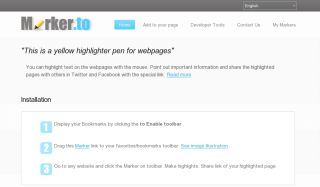
Have you ever used a marker pen for highlighting your paper documents? Marker.to will do the same for webpages! After you install a browser extension or bookmarklet and run Marker simply by clicking on the icon, you can highlight text on a website with your mouse. Annotating helps to point out important information in long articles. Their annotator creates a special link for the highlighted version of the page (like http://marker.to/XYZ123). You can share it through Twitter, Facebook, e-mail, IM etc. Or just bookmark it with your favorite bookmarking tool, i.e. Delicious.
You can view highlighted page with any browser! No bookmarklet or browser extension is necessary for viewing. This has been added to the tools section of Research Resources Subject Tracer™ Information Blog.
posted by Marcus Zillman |
4:56 AM