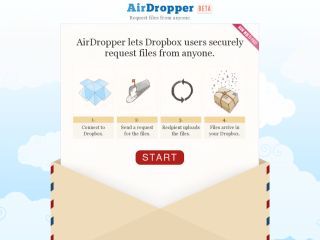
AirDropper lets Dropbox users send a request for files to anyone, even if the person doesn't have a Dropbox account. The person you're requesting the files from just needs an email address or some other means for you to send them the secure upload link they provide. First you connect AirDropper to your Dropbox account. Then you fill out our request form with a description of the files you want and how you want to send the request, whether by email or by using a secure upload link. Once the person you're requesting the files from visits their secure page and uploads the files, they immediately put the files in a subfolder called "AirDropper" within your Dropbox. Simple for everybody! This has been added to the tools section of Research Resources Subject Tracer™ Information Blog.
posted by Marcus Zillman |
4:16 AM